
Klaviyo email marketing agency
Connect Klaviyo to your store and turn customer data into segments, flows and campaigns with a clearly defined scope.
 By Dídac Anton
What a Klaviyo agency should solve for your store
A Klaviyo agency should turn store data into communications the team can manage and verify. That includes deciding which information to use, how recipients are selected, which journeys run and how results are reviewed. Installing the app is only part of implementation.
Define the problems first. A new account needs an operational foundation; an existing account may need corrected events, organised campaigns or reviewed flows. If switching platforms, plan a migration to Klaviyo with an inventory, preserved contact states and testing before changeover.
Klaviyo’s setup wizard guides essential account steps and connection to the commerce platform. Completing it does not replace validation of the store’s individual cases.
At Abalola, scope is agreed around the work required: setup, campaigns, content and automations. Ask the proposal to distinguish initial delivery from ongoing maintenance, and identify access or decisions needed from your team. The number of available features is not a reason to enable all of them.
How to add users and manage permissions in Klaviyo
Owner and Admin can manage users; Manager supports campaign and flow work with restrictions. Check each task against the permissions matrix: operational access does not mean complete control of the account.
Open account Settings, then Users and Add new user. Enter their email, choose language and role, and send the invitation. They must accept it by email; check their status afterwards in Users.
If those roles do not fit, a custom role can separate content, profiles, billing and user management. Someone authorised to manage users configures it.
First define concrete tasks: preparing drafts, approving sends or reviewing results. Record who approves changes, verify access with a trial task and remove it when the collaboration ends.
Check historical data and new events separately
An integration can display older records before you have verified a new purchase journey. Check both what history arrived and what happens when someone acts in the store now. Record the case’s date, identifier and fields so it can be reconstructed.
The Shopify integration distinguishes order, product, checkout and delivery events. An order’s existence should not be treated as proof that the parcel was delivered.
This table proposes checks by business need. Exact event names and available fields must be verified for the integration in use.
| Data or event | Intended use | Practical check |
|---|---|---|
| Contact signup | Assign the right welcome communication | Profile retains expected source, language and state |
| Product interest | Prepare relevant follow-up | Viewed product matches the received data and profile |
| Checkout start | Follow up an incomplete purchase | Products, link and subsequent order activity are available |
| Placed order | Prevent unsuitable reminders and begin post-purchase | Order appears once with the correct identifier and value |
| Delivery or incident | Match communication to the actual situation | Source and update timing are documented |
| Catalogue | Show purchasable items | Image, price, variant and destination match the store |
For Shopify, review that integration’s settings. For other commerce systems, do not assume the same event or sync exists: check documentation and an actual case before reusing a rule.
Identifying a profile is different from permission to send marketing
Klaviyo can associate browsing with identified profiles through mechanisms such as forms or message interactions. This does not mean every anonymous visitor is identifiable.
Separate identity, activity data and communication preferences in the account design. A profile existing or having orders is insufficient to decide it belongs in a campaign. Selection must consider channel state, unsubscribes and the relevant exclusions.
Klaviyo-to-Shopify subscription synchronisation is configurable; suppression does not become Shopify consent status. Review each direction of synchronisation rather than assuming both systems are identical.
Prepare checks covering signup, unsubscribe and changed details. Record where each change should appear, which tool is authoritative and the delay observed. Investigate mismatched states before launching a send that depends on them.
Avoid exporting personal data for convenience when behaviour can be inspected within the account. Access should correspond to named people and defined tasks. The store must retain the ability to understand and manage its setup when team members change.
Build flows around verifiable conditions
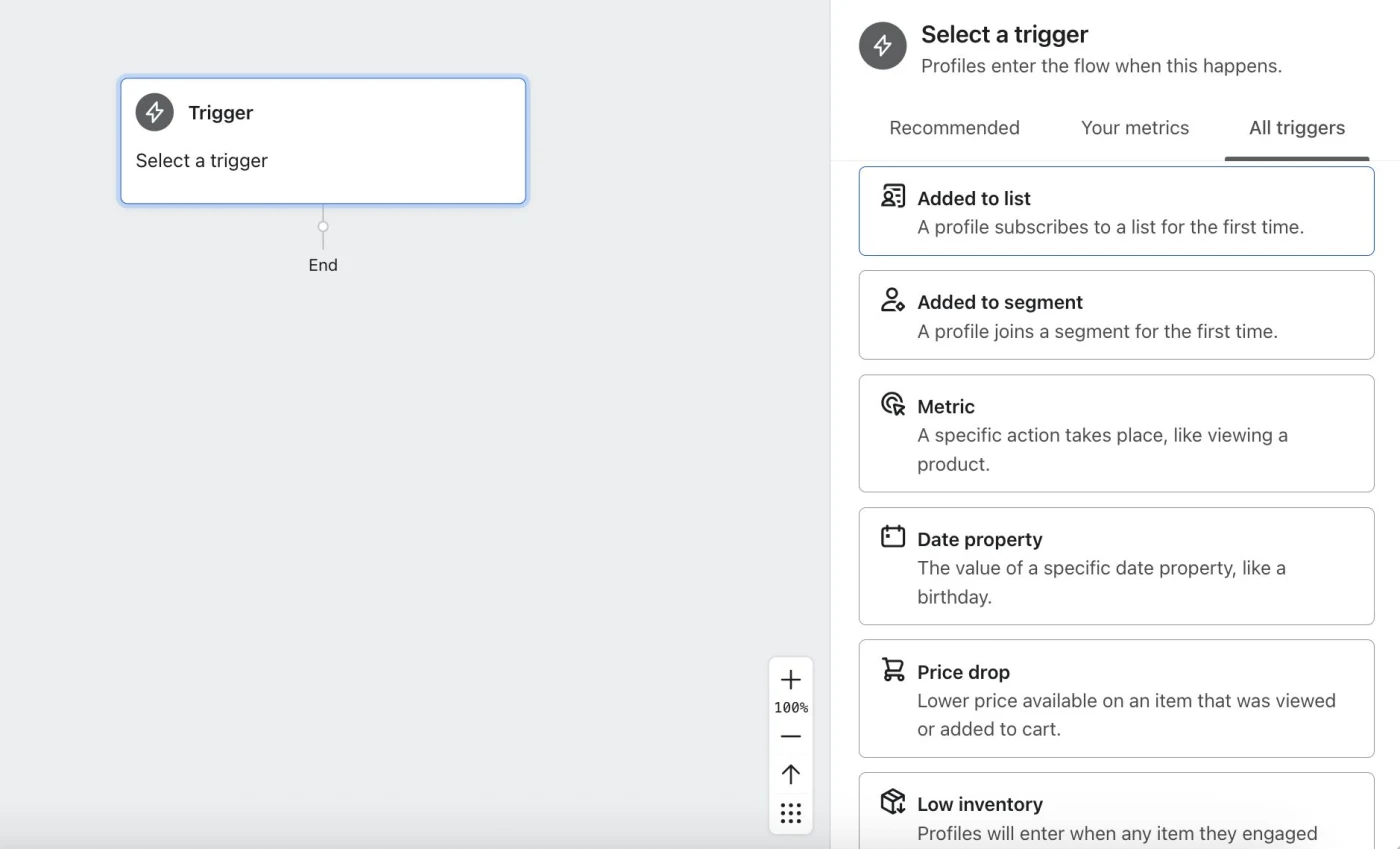
Klaviyo distinguishes trigger-event filters from profile filters. Profile filters are evaluated again before messages; this matters when a customer’s situation changes during a delay.
For each automation, document entry requirements, message data and the condition that should prevent sending. A checkout sequence, for example, must account for a purchase before the next reminder.
Prioritise available data and actual needs. Welcome, abandonment and post-purchase may require different sources. A library template is not sufficient reason to enable a sequence before you can demonstrate the right event and content.
Also review re-entry and overlapping journeys. Define what happens when someone meets several conditions or repeats an action. The team should be able to explain the expected outcome without inferring it from a network of steps.
Once behaviour is agreed, prepare copy and design. Retain commercial terms, personalisation logic and fallback content for missing data. The finished message should remain understandable and editable by its future owner.
Organise campaigns, templates and responsibilities
Daily operations need a calendar and a clear approval process. Record each campaign’s goal, recipients, message, offer where applicable, date and approver. Check how it combines with flows those same contacts may receive.
A useful template library preserves brand modules and explains when to use them. It does not require a separate template for every send. Define reusable parts, campaign-specific changes and checks for links, prices and terms before scheduling.
Include deliverability in setup: senders, authentication, selection and unsubscribe mechanisms. Assign who may change them and the verification required. Sending issues cannot always be solved in the message editor.
Reports need defined metrics. Keep source, period and attribution configuration when comparing. Increased platform-attributed revenue does not establish additional sales, and an unexplained report does not identify what should change.
What to verify before accepting the setup
Approval should cover the whole journey rather than email appearance alone. Use controlled test profiles and actions. Document the version, expected result and observed outcome. If a test fails, identify its dependency before enabling the rest.
This acceptance checklist should be adapted to the agreed scope and integrations.
- Account, store and domain access and owners are identified.
- Historical records and a sample of new events have been checked separately.
- Signup, unsubscribe and detail changes reach their intended destinations.
- Each flow receives its event and follows entry, exit and re-entry conditions.
- A purchase during a delay changes the reminder as agreed.
- Messages show valid data or their fallback content.
- Links, products and preferences work in representative tests.
- Two tools do not own the same send without an explicit decision.
- The team has documented configuration and incident-review criteria.
A passing test does not certify every possible combination. Retain cases and limitations, and expand checks when an event, integration or important rule changes.
A well-delivered account can be maintained
Handover should include an integration map, journey rules, templates, owners and a decision log. Separate outstanding incidents from optional improvements. The team should know what is live, what was checked and what needs monitoring.
Maintenance reviews catalogue, data and communication changes. A new category, another language or a checkout change can affect previously working conditions. Link business changes to the components using that information.
When evaluating a Klaviyo agency proposal, ask about deliverables and acceptance criteria. Establish who writes, designs, configures, approves and analyses, and how they work with your technical team. The email marketing budget should separate service work, platform costs and external dependencies.
The goal is continuity: understood data, relevant messages and verifiable decisions. Setup is useful when the team can explain why someone receives an email and act when behaviour stops matching expectations.
Sources and further reading
AI-assisted translation
Article by Dídac Anton. The English, German, Dutch and French versions were translated from Spanish with the help of AI.
Read the Spanish originalRecommended articles

Shopify email marketing agency
Connect Shopify to an email strategy with validated data, markets and automations before launch.

WooCommerce email marketing agency
Implement WooCommerce email marketing with a validated integration and clear maintenance responsibilities.

PrestaShop email marketing agency
Connect PrestaShop to email while accounting for modules, languages, currencies and data quality.